Builder Studio: Streamlining Voice AI Configuration
As Design Manager, I led a squad of product designers to build Natasha, a voice-first AI flow that lets non-technical users talk an app idea into ready-to-build requirements. It reached pre-launch.
At a glance
Role: Design Manager. 4+ of the 8 designers I managed worked on this flow.
What I led: A voice-first AI flow that turns spoken ideas into app requirements for non-technical users.
Outcome: Reached pre-launch. User feedback showed speaking felt more natural than typing, so we built voice-first.
Design Manager
Pre-launch (2024)
SaaS (no-code / low-code)
Turn everyday ideas into ready-to-build apps with AI.
July 2024 - Sept 2024
4+ (Product designers)
Problem statement
Non-technical users struggled to translate their ideas into app requirements. The process was complex, filled with technical jargon, and often required expert intervention, creating friction and slowing down the product-building journey.
Expected impact
The voice-first flow turns a complex, jargon-heavy app-building process into a guided conversation. Users describe their idea in natural language, get context-aware responses, and move forward without expert help. User feedback showed speaking felt more natural than typing, so we prioritised voice.
Pain points/Findings
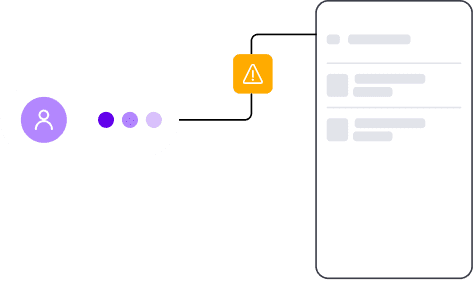
Incomplete information
Users sometimes provide incomplete information, which affects their build card creation.
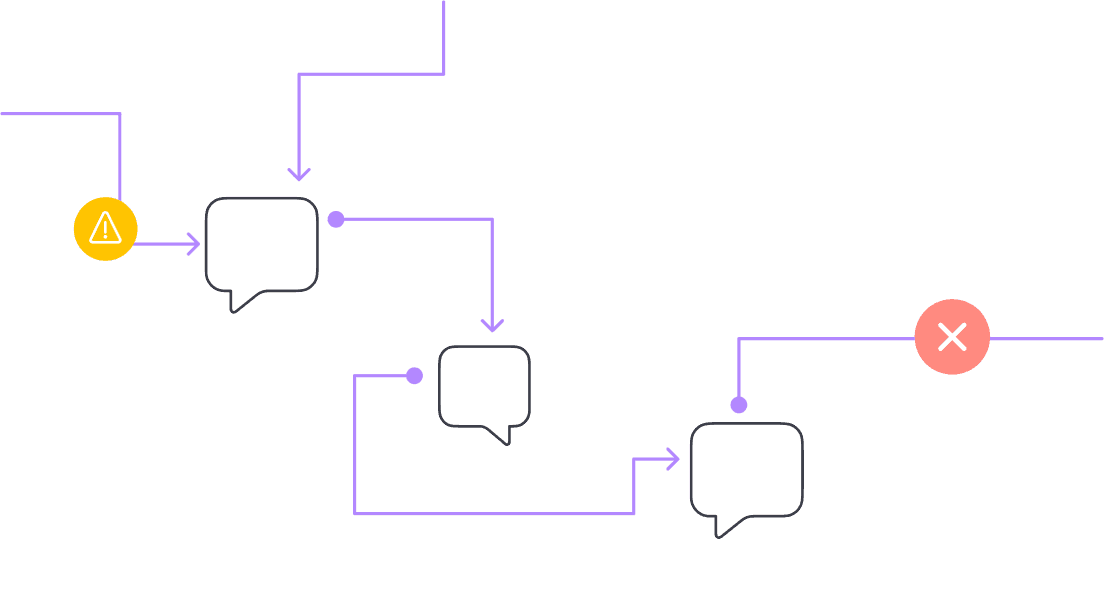
Lack of Natural Flow
Typing doesn’t replicate the back-and-forth of real conversations, limiting detail.

Typing Errors
Users may make mistakes while typing, which could lead to misinterpretation of input, causing frustration or incorrect responses from the AI.
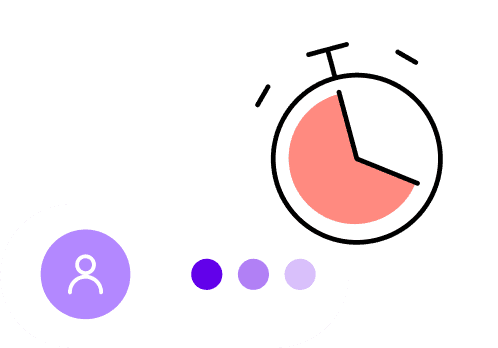
Time consuming
Typing detailed messages is slow and tedious.
Monotonous
Text-based interactions can feel repetitive or less personal, lacking the human-like warmth and fluidity that comes with voice conversations.
Context Switching
In text, it's harder to handle multi-tasking or quickly shift topics.
Demo Video
Gaps in the Existing Experience
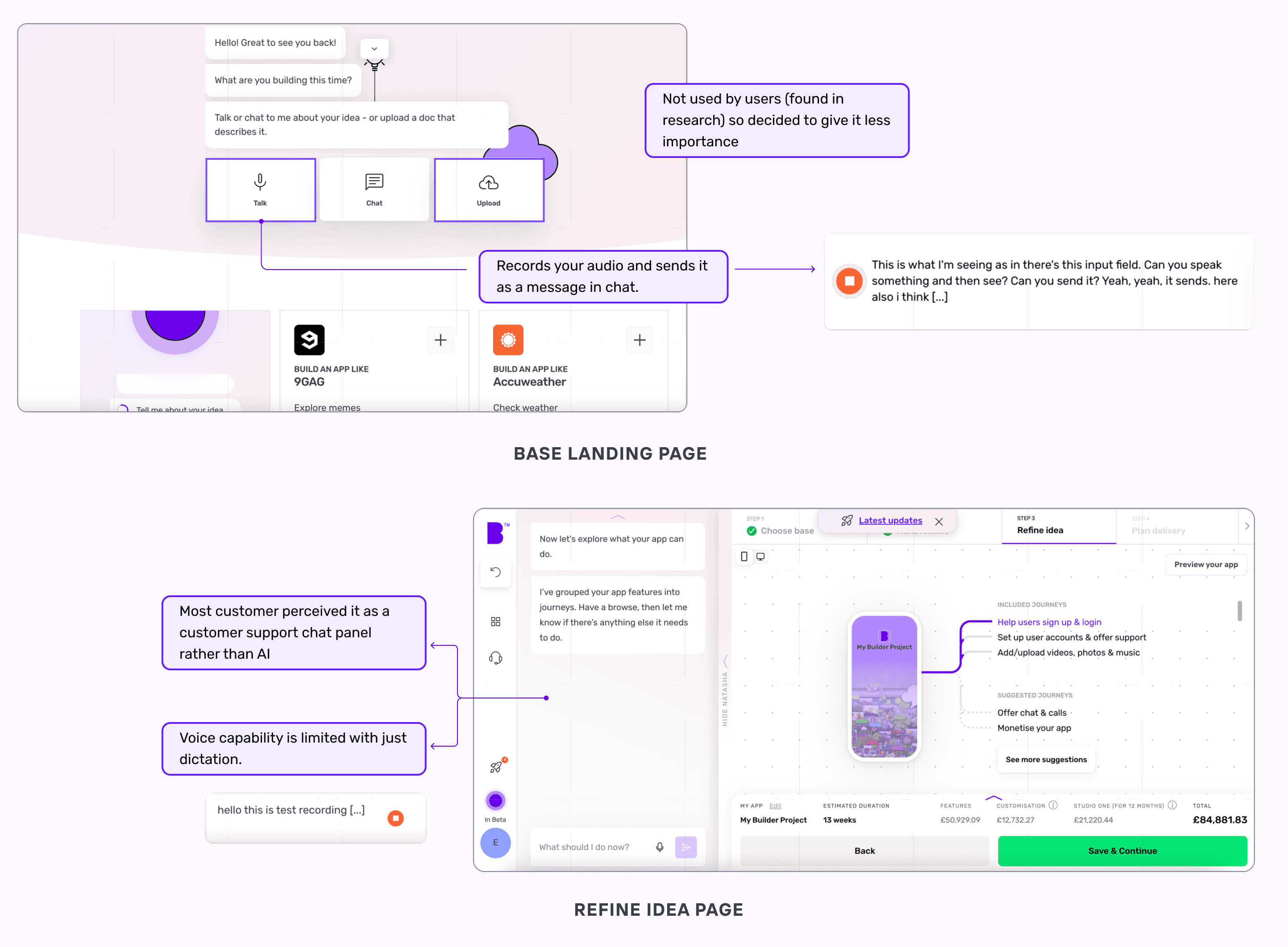
Users often struggle with the existing app-building flow because instructions feel fragmented and difficult to follow. The current system lacks clear guidance, forcing users to switch between multiple steps and documents, which leads to confusion and drop-offs. Without a conversational layer, the product fails to simplify decision-making, leaving non-technical users overwhelmed during the build journey.
Solution
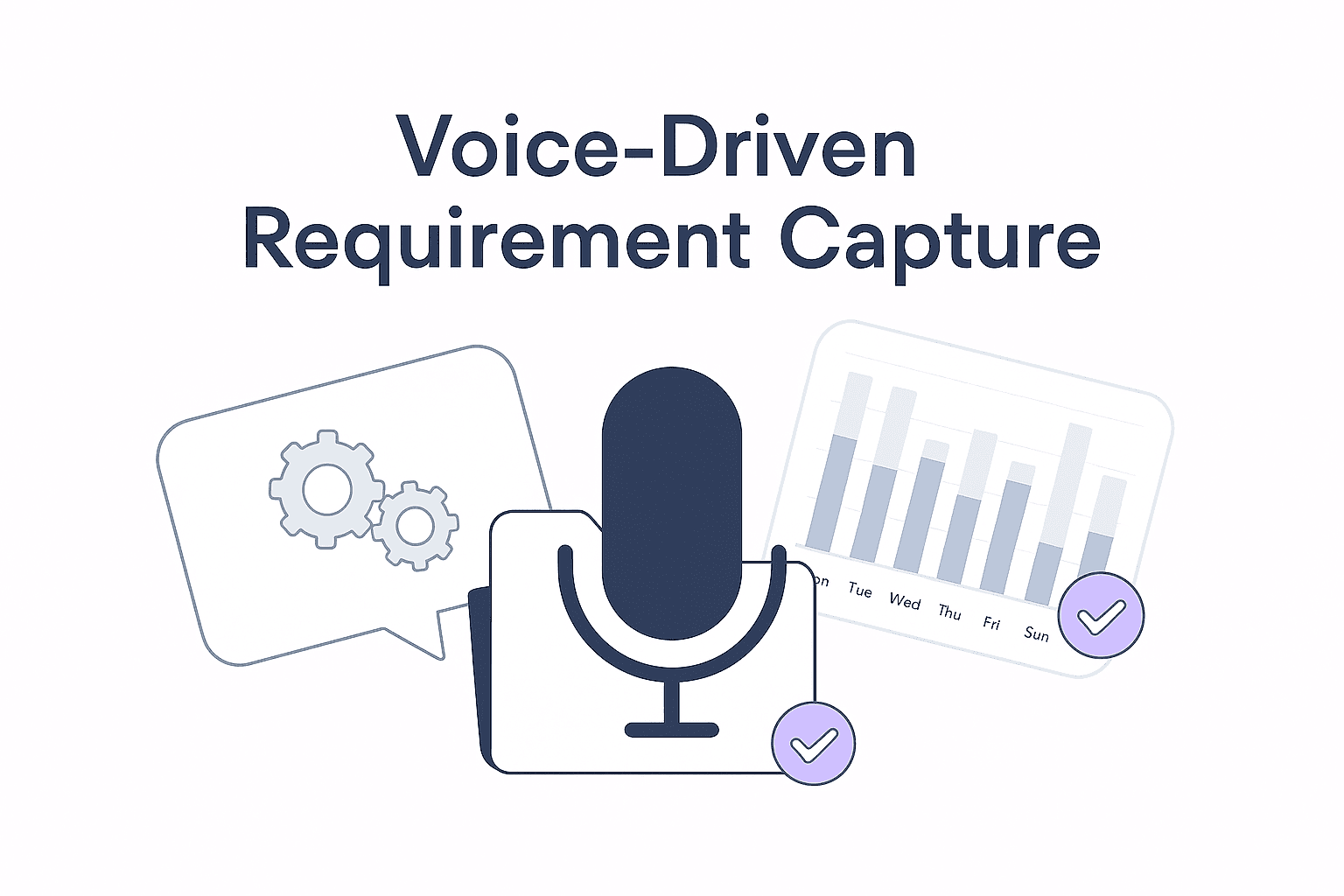
Natural Language Conversations for App Requirements
Enable a voice-driven conversation feature that lets users easily share detailed app requirements, reducing typing effort and allowing a more natural flow of ideas.
Improve Data Accuracy and Completeness
Leverage guided conversational prompts in the voice interface to capture detailed user inputs, ensuring build cards that accurately reflect their vision and elevate the quality of the final product.
Inspirations
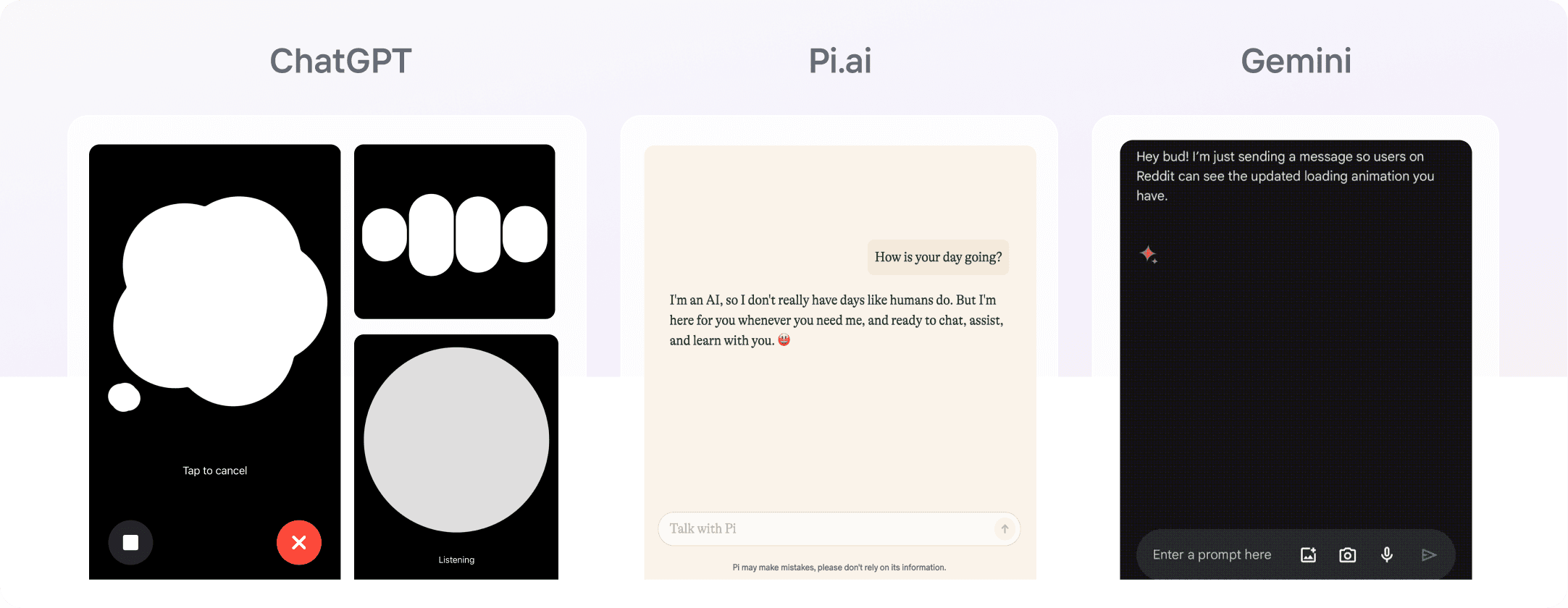
To craft an intuitive user experience, we benchmarked leading conversational AI platforms like Gemini, ChatGPT, and Pi.ai. These explorations helped us understand how AI manages flow, engagement, and context transitions.
We drew from Gemini’s strength in handling long-form conversations, ChatGPT’s responsiveness in real-time scenarios, and Pi.ai’s one-conversation-at-a-time clarity, which ensures streamlined dialogues and minimizes user confusion.
This combination of insights guided us in shaping an assistant that feels both natural and effective for the app-building journey.
Ideation
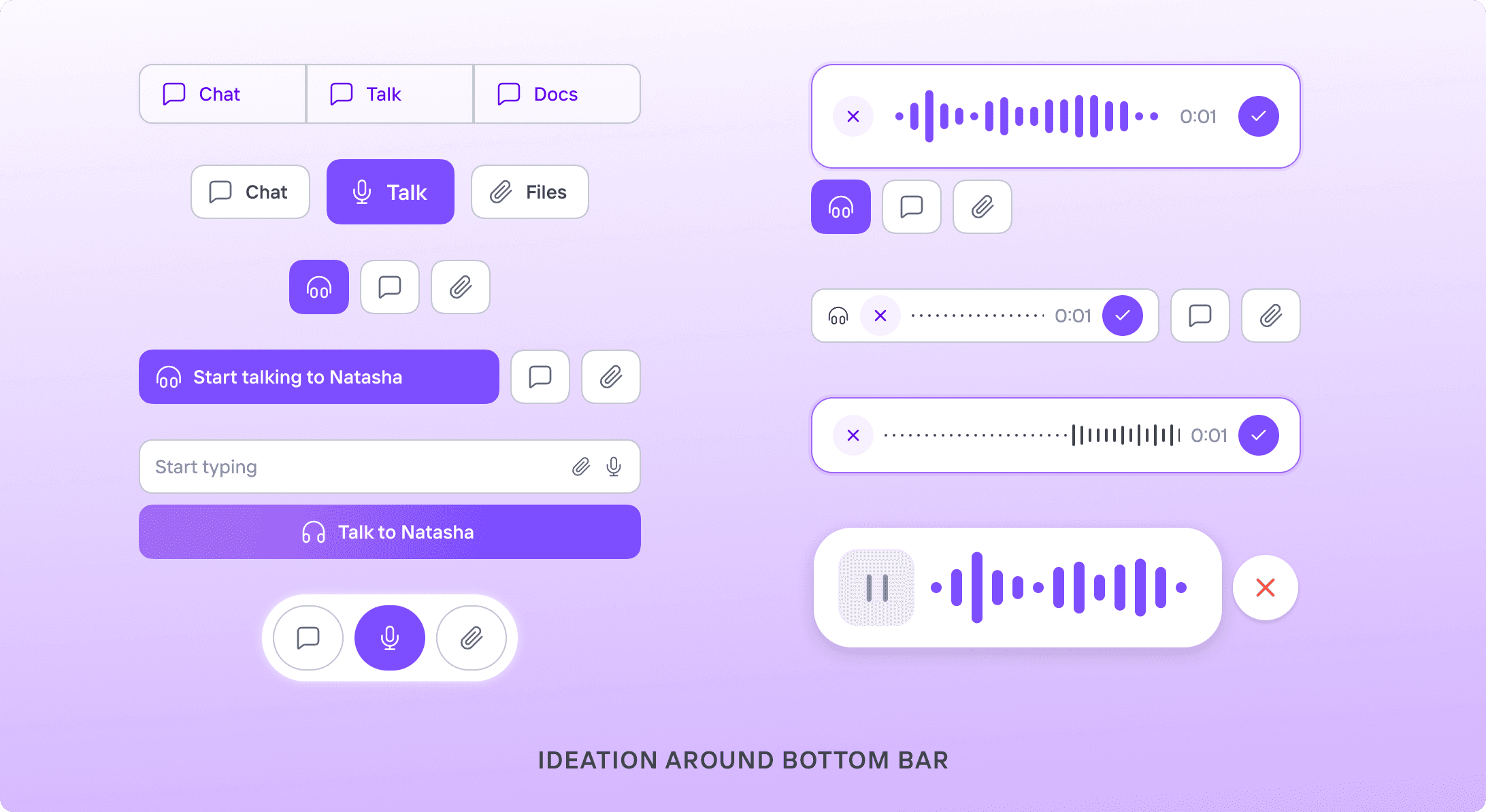
The ideation process centered on how users would perceive and interact with Natasha. Our goal was to design natural conversational states (talking, listening and thinking) that mirror real human interaction.
We focused on making these states intuitive, recognizable, and easy to follow, helping users build trust and stay engaged throughout the experience.
Natasha was envisioned as more than just a tool. We saw her as a companion that guides users through app-building with personalized assistance. This required designing a system that could seamlessly transition across different stages of conversation, ensuring interactions felt smooth, supportive, and human-like.
Designing Conversational State Cues
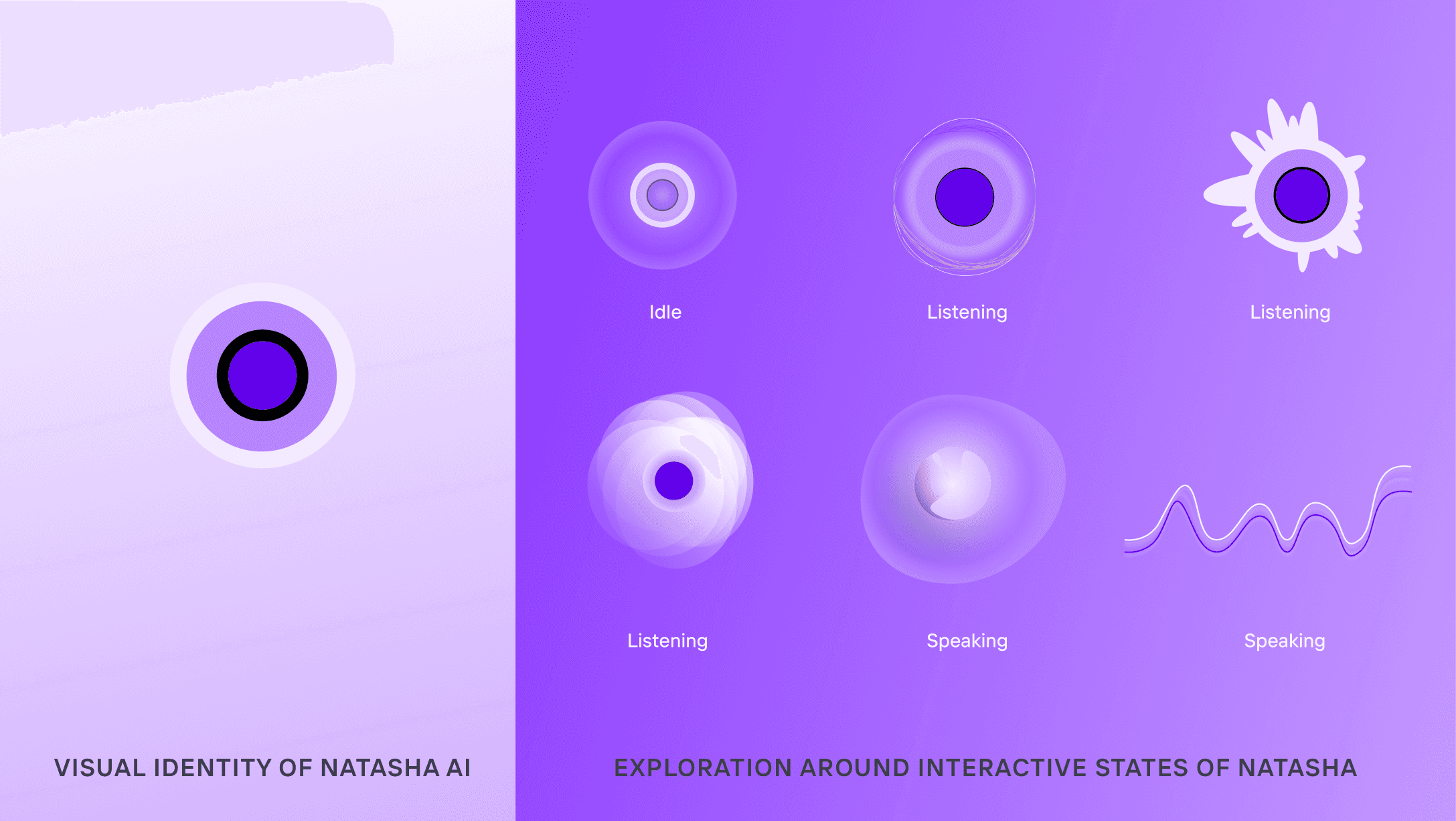
We crafted visual and auditory cues to represent Natasha’s states: talking, listening, and thinking.
Listening: pulsing or waveform animations
Thinking: slight delays or loading indicators
Talking: expressive responses with smooth transitions
Our focus was on clarity, subtlety, and seamless state changes to ensure users always felt engaged and informed.
Giving Natasha a Voice
We wanted Natasha to embody a conversational and friendly tone, ensuring interactions felt approachable and engaging. After testing multiple voice options on Veed.io, we selected one that achieved the right balance of warmth and professionalism.
To make conversations feel more natural, we introduced human-like phrases such as “That’s a great idea” and “You’re welcome”. These small touches of spontaneity helped Natasha sound less mechanical and more like a supportive companion.
See platform in action
Explore key interactions and navigations bringing in seamless experience
Seamless Transition to Voice Interaction
From the very first moment, the homepage gently transforms into a voice-first interface. Natasha’s subtle animations for listening, thinking and speaking bring her presence to life, making the interaction feel human, natural, and engaging right from the start.
Explore the Way You Want
Whether you choose to interact with Natasha AI or browse freely, the interface adapts seamlessly, shifting focus naturally based on your actions to create a smooth, intuitive experience.
Interactive Cards for Effortless Choices
Natasha delivers concise information and actionable options directly within the chat through easy-to-use interactive cards. These cards keep the conversation fluid while enabling quick decision-making without leaving the interface.
Seamless Conversation to Exploration
Experience the smooth handoff from Natasha’s AI-driven chat to a detailed product page. This transition bridges natural conversation with deeper exploration, ensuring users stay engaged while gaining more context.
Learnings

The Big Takeaway: Voice Feels Effortless
Early in the design process, we assumed typing in chat would be the preferred interaction method. However, user feedback revealed a different story: speaking felt more natural and effortless than typing. This insight shifted our approach, leading us to prioritize voice-first design to create a more intuitive and fluid user experience.

Designing with Mental Models in Mind
Users expect voice interactions to feel as natural as human conversations. By analyzing established voice experiences like ChatGPT and Gemini, we identified the importance of aligning with familiar conversational norms. This understanding shaped our design decisions, resulting in a more intuitive and user-friendly experience.

Collaboration Drives Better Design
Unlike our usual independent workflows, this project demanded deeper collaboration within the design team. Through brainstorming, co-creation, and continuous feedback, we tackled complex voice interaction challenges more effectively. This experience highlighted how collaborative design fosters richer ideas, stronger alignment, and a more cohesive user experience.
© 2026 Ankur Kushwaha